5 min
Lesson starter
One puzzle on the board. The class argues about which log goes next; the coach asks the question you would.
For teachers and school leaders
3D puzzles built on real wooden puzzles. When children get stuck, a coach asks them a question instead of handing over the answer, and you get a clear picture of how each child thinks.
Why AmuseMind
When a child is stuck, the coach asks a guiding question first. Then it points at one piece. Only on the third step does it show exactly where that piece goes. The child still does the solving.
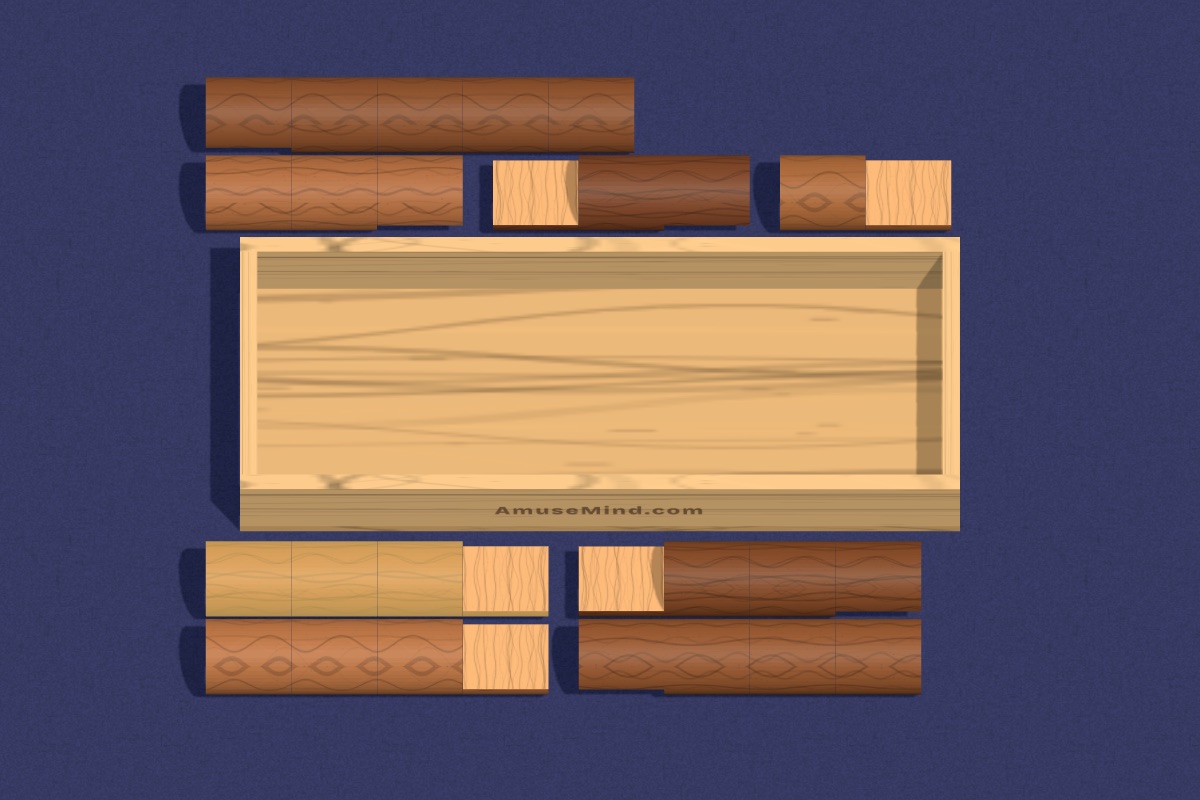
Look at the glowing log: it needs turning end for end. Where could its cut end meet another?
Every move, retry and hint is a small piece of evidence. AmuseMind turns it into plain sentences about each child, with the numbers behind every claim. Spot who is ready for a harder level, and how persistence grows over a term.
After solving, the child says or types how they did it. The coach names what worked and asks one question to push their thinking further. It is metacognition, the habit teachers value and rarely get time to practise.
Hints you can trust
In your classroom
One puzzle on the board. The class argues about which log goes next; the coach asks the question you would.
Pairs on tablets or Chromebooks. One moves, one explains, then swap.
Share a link to a puzzle. It opens in any browser, with no app and no sign-up.
Skills framework
The same skills appear in every puzzle, filter and, later, class report, with notes on where each supports your curriculum.
Imagining how objects look when turned, flipped or moved, and how parts fit a whole. A strong early predictor of later maths and science.
Curriculum Geometry and spatial sense (Common Core K–5 Geometry; MOE Geometry strand).
21 puzzles →Recognising shapes and their properties, and seeing how small shapes make bigger ones (two triangles make a square).
Curriculum Identify, compare and compose shapes (Common Core K.G, 1.G; MOE Geometry; NEL Numeracy).
12 puzzles →Using clues and rules to work out what must be true, sorting things into groups, and explaining why.
Curriculum Construct arguments and reason (Common Core MP2, MP3; MOE Reasoning, communication and connections).
14 puzzles →Holding a goal in mind and ordering the steps to reach it, including working backwards from the end.
Curriculum Make sense of problems, plan a solution path (Common Core MP1; MOE Thinking skills and heuristics).
13 puzzles →Noticing repeating and growing patterns and using structure to predict what comes next.
Curriculum Look for and make use of structure (Common Core MP7, MP8; MOE Patterns; NEL Numeracy).
8 puzzles →Counting objects, matching amounts to numerals, and using number facts to solve puzzles.
Curriculum Counting and cardinality, number and operations (Common Core K.CC, 1.OA; MOE Whole numbers; NEL Numeracy).
7 puzzles →Remembering where things are and what has been tried, while working on the next step.
Curriculum Executive function: working memory (NEL Learning dispositions; supports MP1).
8 puzzles →Focusing on what matters, comparing carefully, and noticing the detail that sets one thing apart.
Curriculum Attend to precision (Common Core MP6; NEL Discovery of the world).
11 puzzles →Staying with a hard problem, learning from mistakes, and changing approach instead of giving up.
Curriculum Persevere in solving problems (Common Core MP1; MOE Metacognition; NEL Learning dispositions).
31 puzzles →No. Hints always start with a question. The last of the three steps shows where one piece goes, and the child still has to place it and work out the rest.
No. They join with a class code. Only teachers have accounts.
Any modern browser: Chromebooks, iPads, Android tablets, laptops and phones. Nothing to install.
Most puzzles take 5 to 15 minutes, so it fits a lesson starter, a station or homework.
We are agreeing pricing with our first schools. Ask on the demo call.
A 20-minute call. We’ll play a puzzle together, walk through the hint coach and a sample report, and talk about what your class needs. Early schools help shape the school version.