Setting up student accounts takes time, creates passwords to forget, and raises privacy questions. For quick, low-stakes practice, a puzzle that just opens in the browser is often the better choice. Here is what to look for, and how to use no-login puzzles well.
Why “no login” helps
No accounts means no class roster to upload, no forgotten passwords eating the first ten minutes, and less student data held by another company. It also means a substitute teacher or a classroom helper can run the activity without your credentials.
The trade-off is that progress isn’t saved per student. For warm-ups, centers and brain breaks, that usually doesn’t matter.
AmuseMind in the classroom
Every AmuseMind puzzle is free to try in the browser. Students don’t need accounts and never type a name or email. There are no ads and no in-game purchases, and the puzzles work on Chromebooks, iPads, laptops and interactive boards. Each puzzle has five levels with a recommended age, so one link can serve a mixed-ability class.
Class features such as class codes, assignments and reports are in early access. If you’d like those, request a demo from our For schools page.
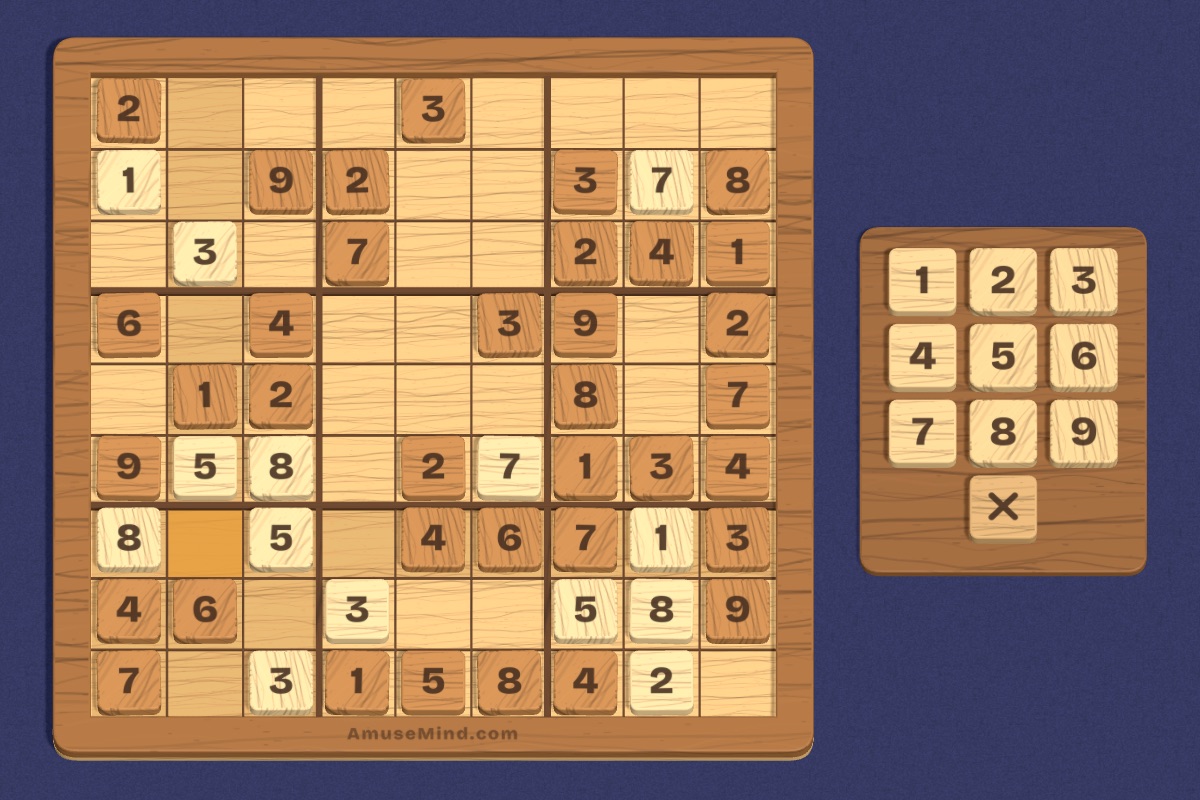
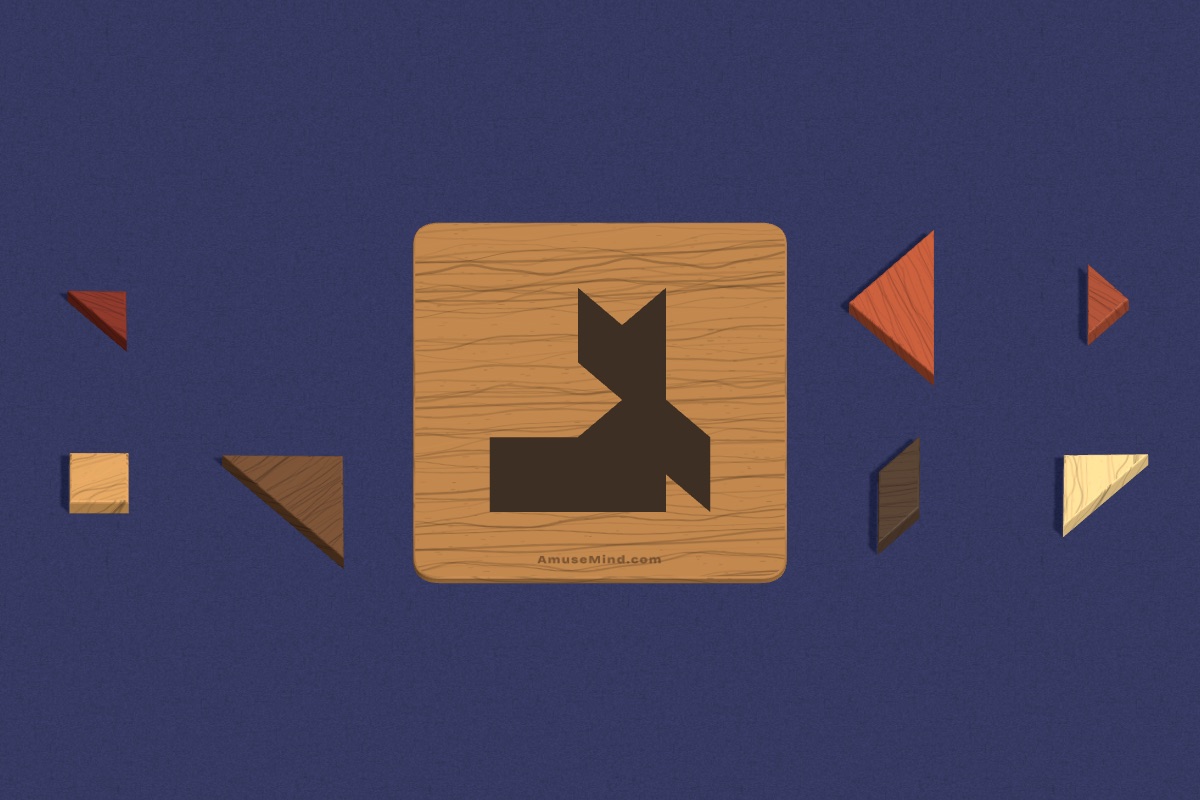
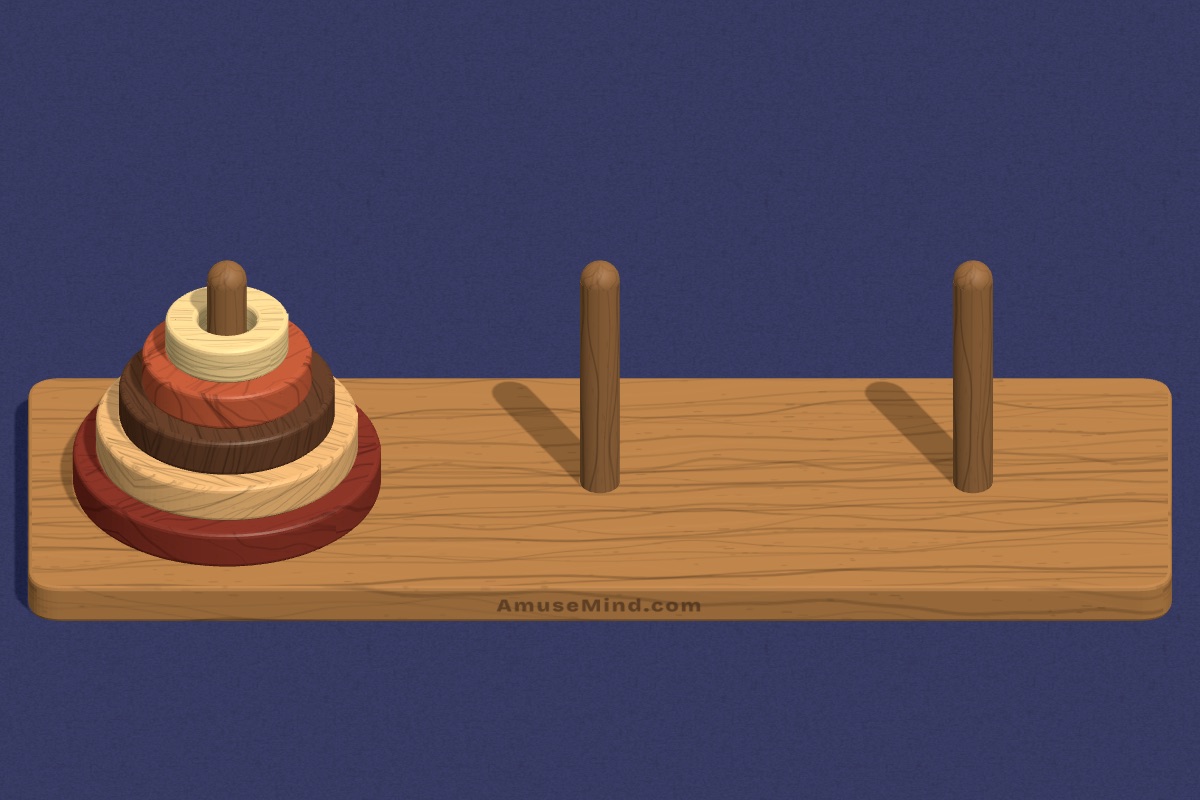
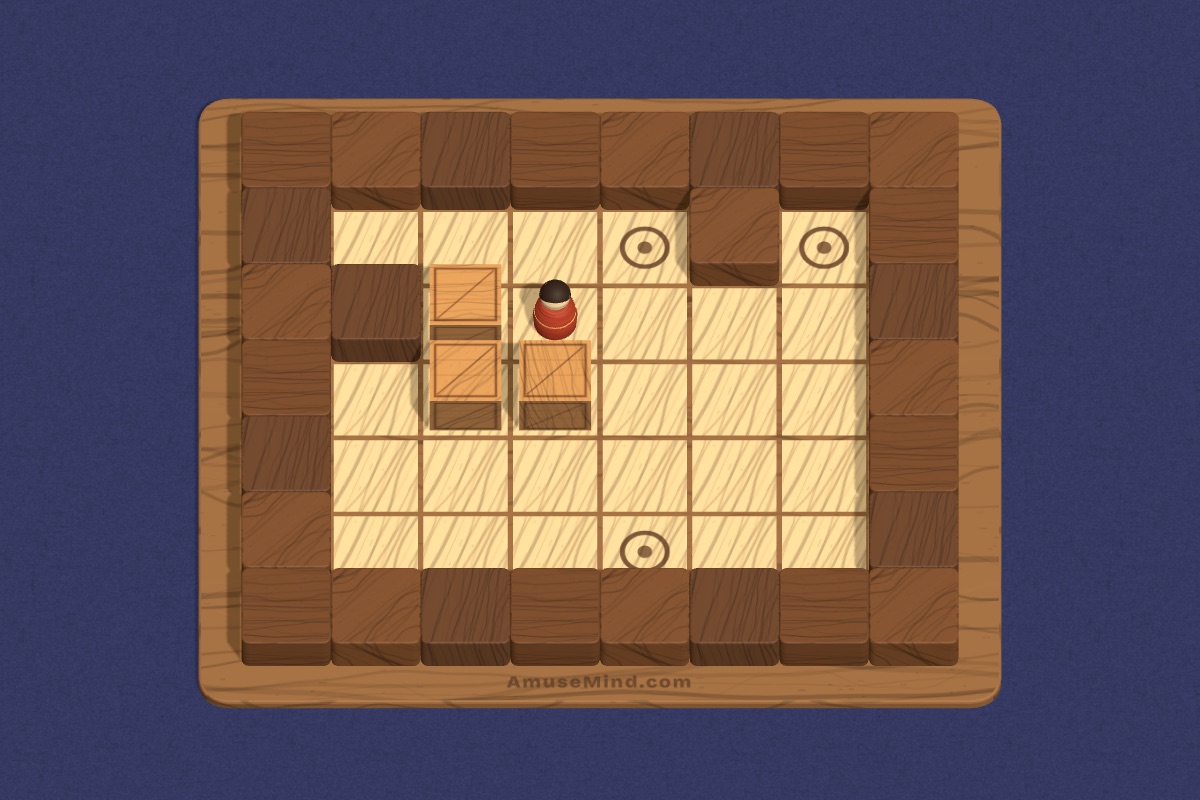
Quick ways to use them
Warm-up: one puzzle on the board as students arrive. Centers: a puzzle station with a printed menu of three puzzles and levels. Early finishers: a link on your class page. Whole-class reasoning: solve together and ask students to justify each move. Keep sessions short and end with one shared strategy.
Over time, students can take ownership: a rotating “puzzle captain” picks the class warm-up puzzle and level each week, and explains the rules to everyone. It is a small job that builds confidence and speaking skills.
Picks by grade band
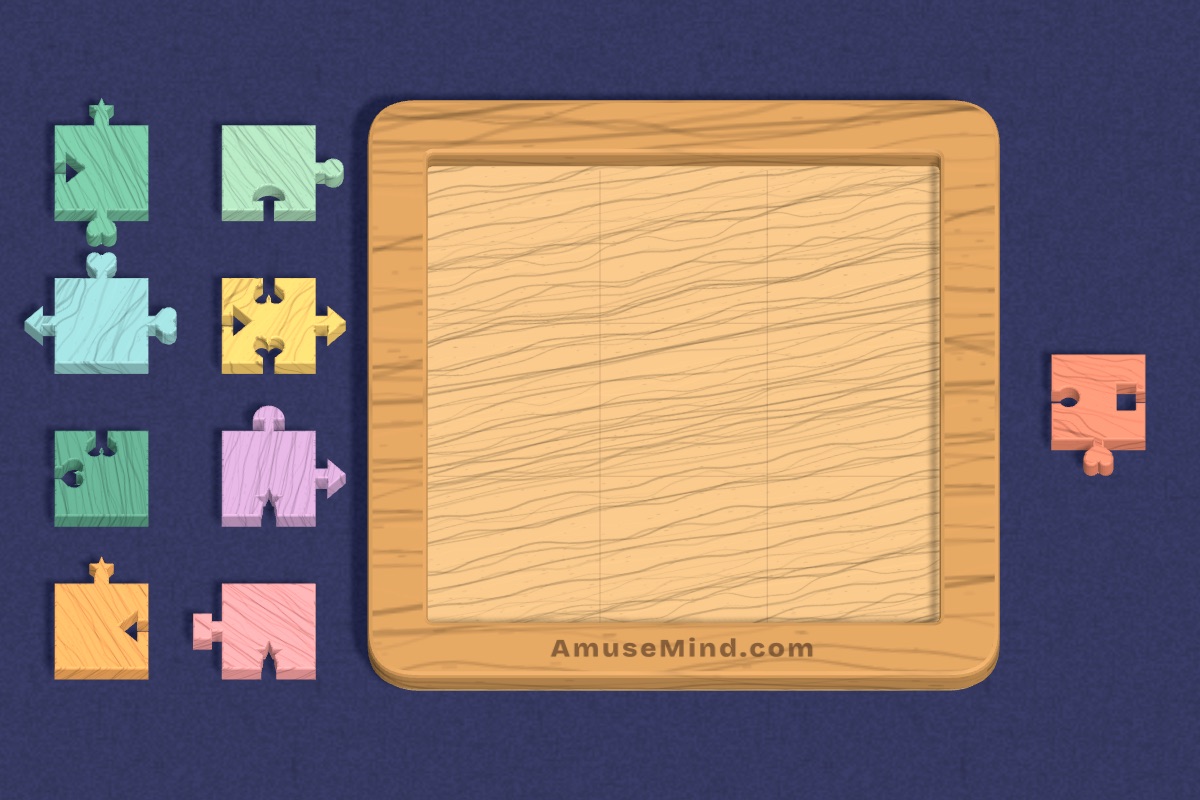
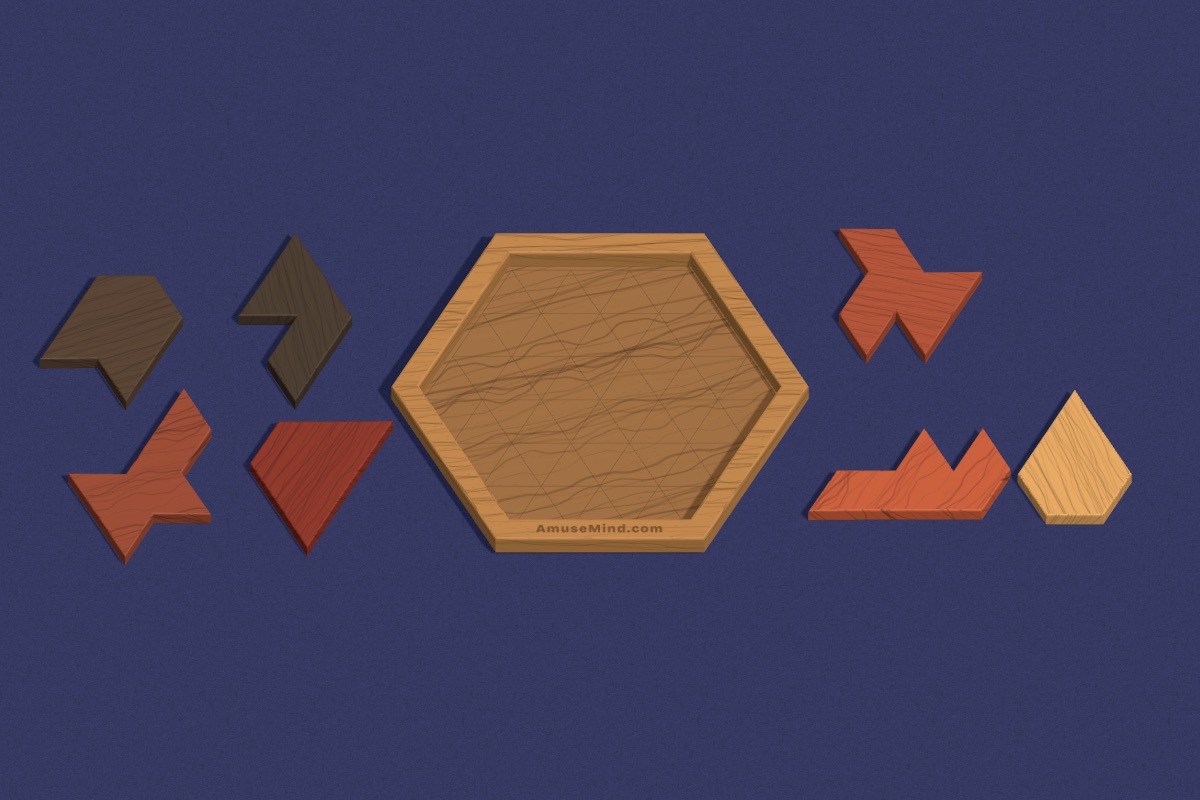
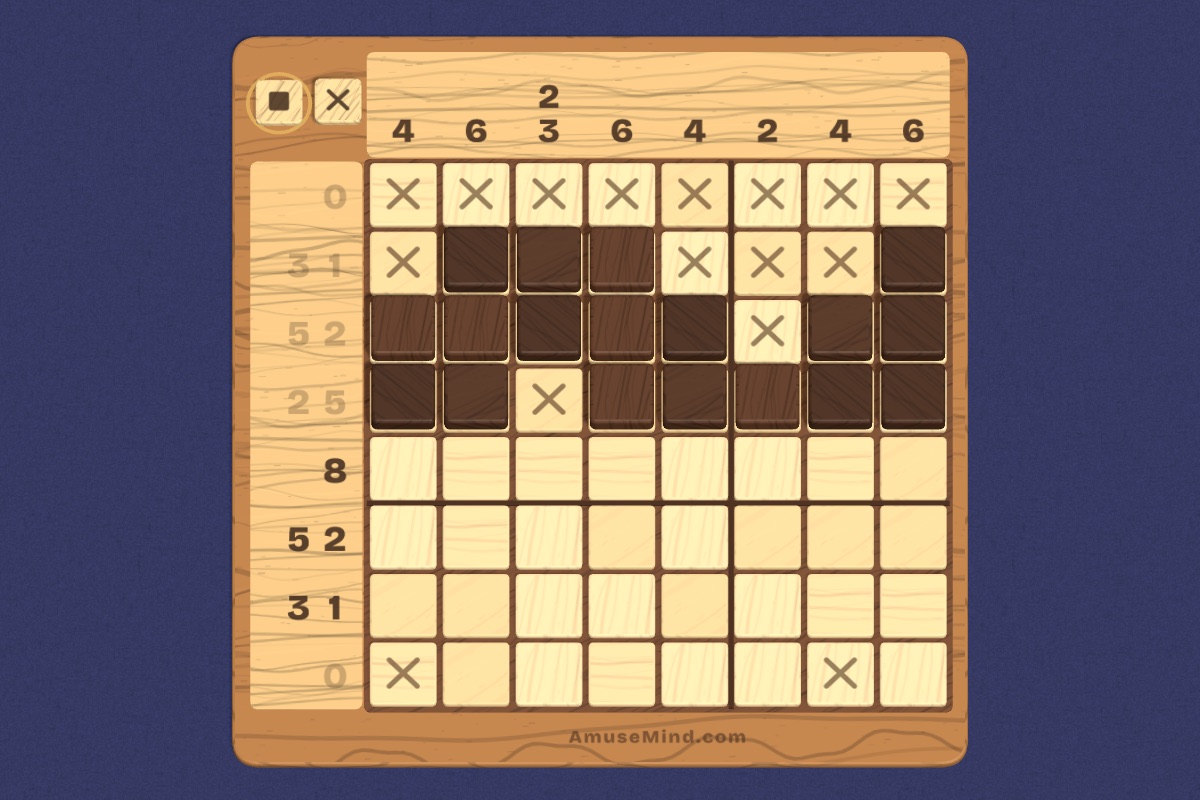
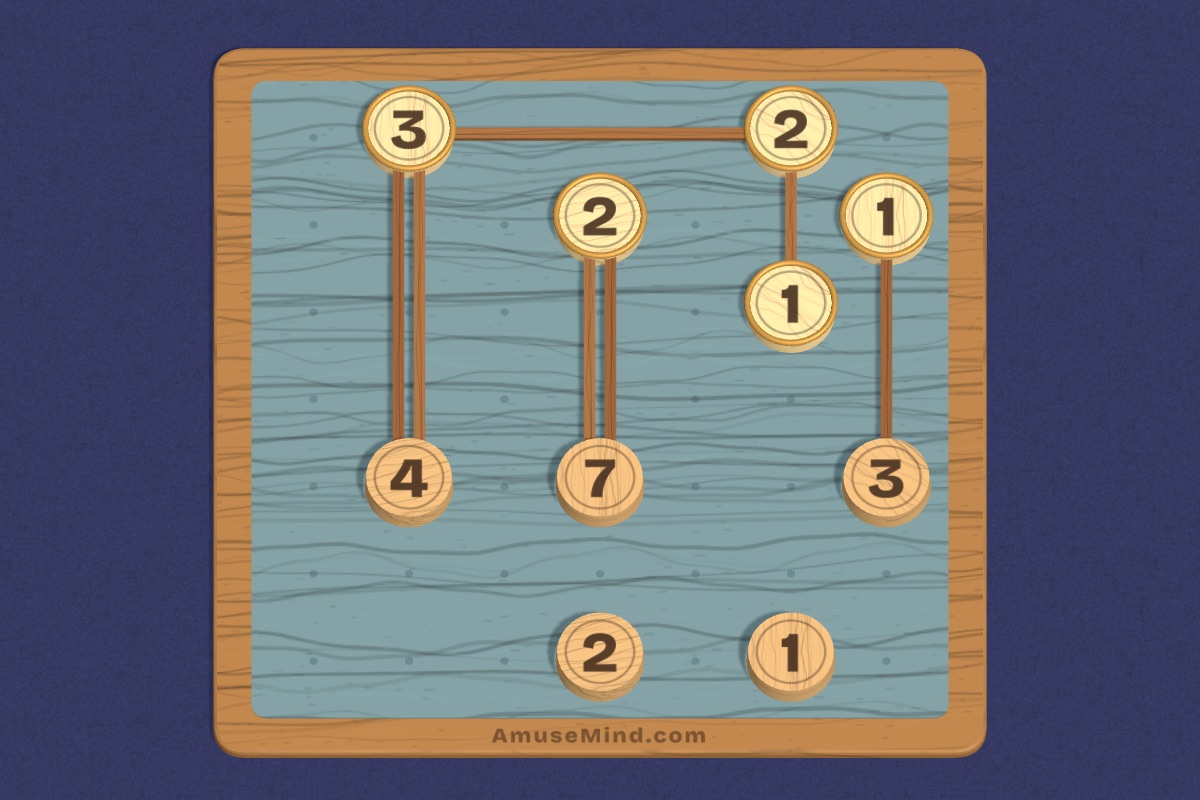
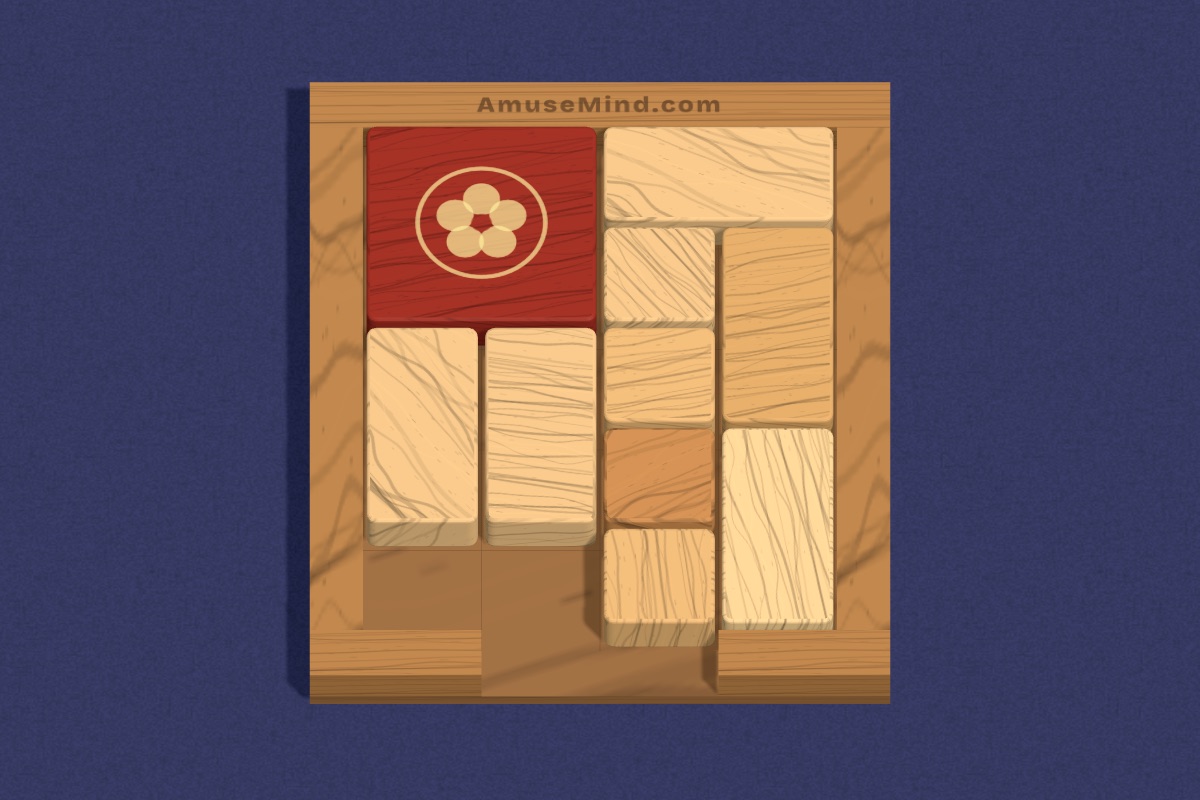
K–2: Shape Match, Hexwood and Tangram on Beginner. Grades 3–5: Sudoku, Nonogram, Bridges and Number Slide on Beginner or Intermediate. Grades 6–8: Sokoban, Hakoiri Musume, Luban Lock and Six Bottles on Pro and above.

A simple first lesson
Before students play independently, run one puzzle together on the board. Show how to start a puzzle, choose a level and use Undo. Solve a few moves together and think aloud: “If I move this tile, what happens next?” Then let partners try the same puzzle on their devices.
Finish with a quick share: one pair explains a strategy that worked. This first lesson sets expectations, teaches the controls once for everyone, and shows students that the goal is thinking, not racing.
After that, puzzles can run with very little teacher time. Post the link, the level and a goal, such as “solve two puzzles and be ready to explain one move”, and you are free to work with a small group.
Questions teachers ask
Can I use these puzzles with a substitute teacher?
Yes. Because there are no logins, a substitute can open the same link, pick the level from your plan and run the activity without any of your credentials. A printed menu of puzzles and levels makes it even easier.
Do students need to log in to AmuseMind?
No. Puzzles open in the browser with no student accounts, sign-up or ads.
Is progress saved for each student?
Not without accounts. Level choices are remembered on the device. Class features with per-student reports are in early access through a demo request.
Does it work on Chromebooks?
Yes. It runs in a modern browser on Chromebooks, iPads, laptops and interactive boards.