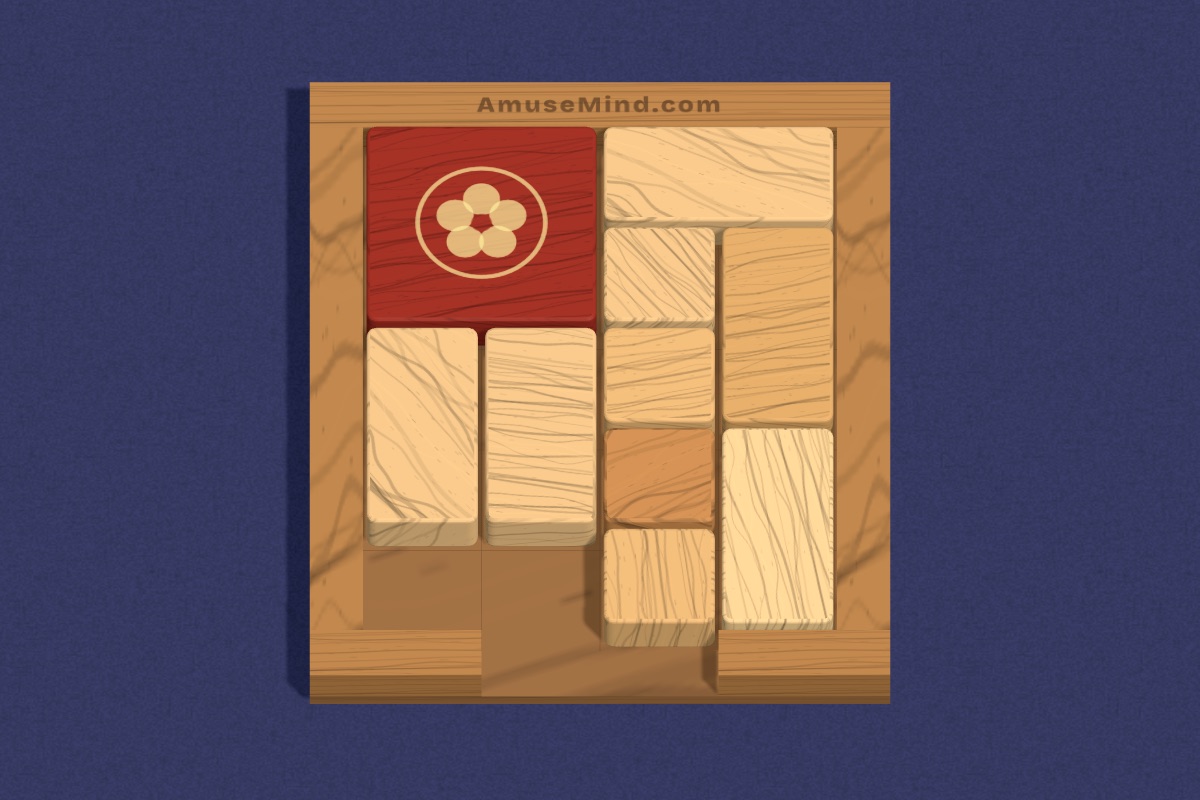
Brain breaks and indoor recess have different jobs. A brain break is a short reset in the middle of learning; indoor recess is free time when it’s too cold or wet to go out. Both go better with a handful of reliable options ready to go.
Two-minute brain breaks
The best brain breaks change the state of the room. Movement helps: stretch-and-count, “Simon says” with shapes (“make a triangle with your arms”), or a quick puzzle of rock-paper-scissors tournaments. Thinking breaks work too: show a pattern on the board and ask what comes next, or give a riddle to discuss with a partner.
Keep them short and predictable. A timer on the board and a familiar signal to come back make the transition back to work smoother.
Whole-class puzzles on the board
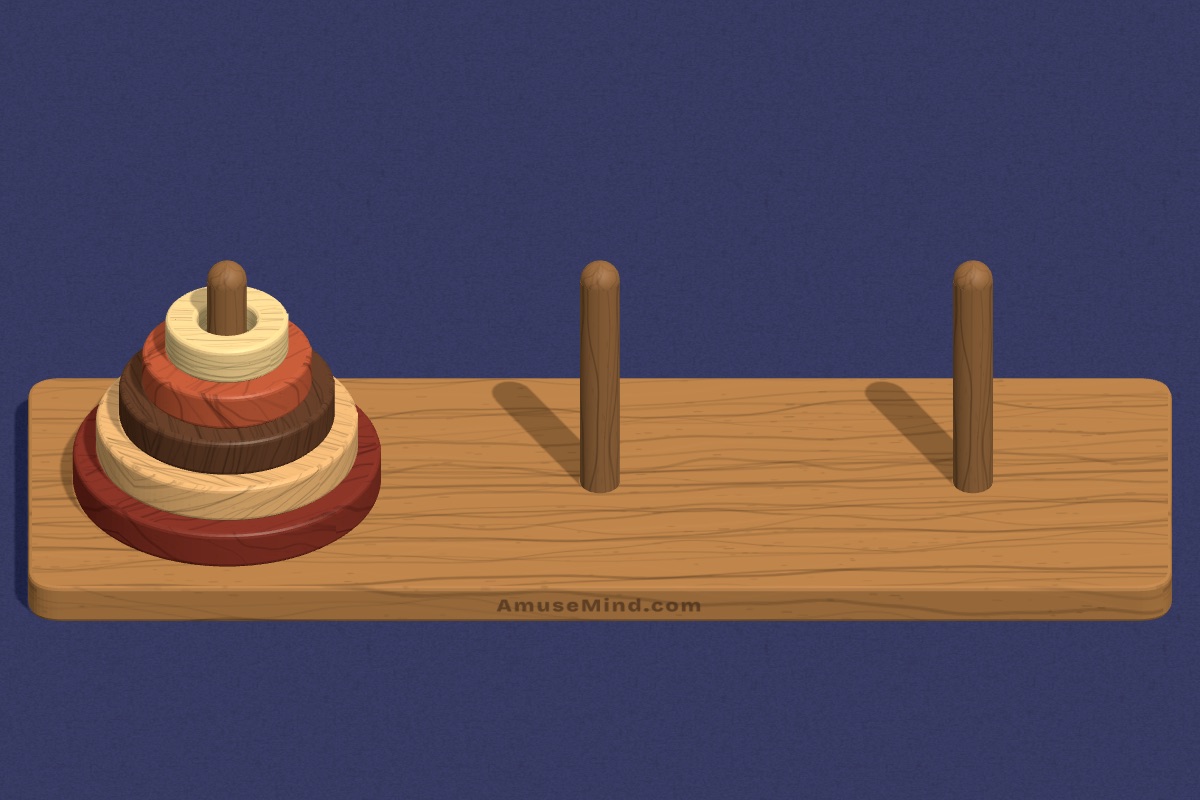
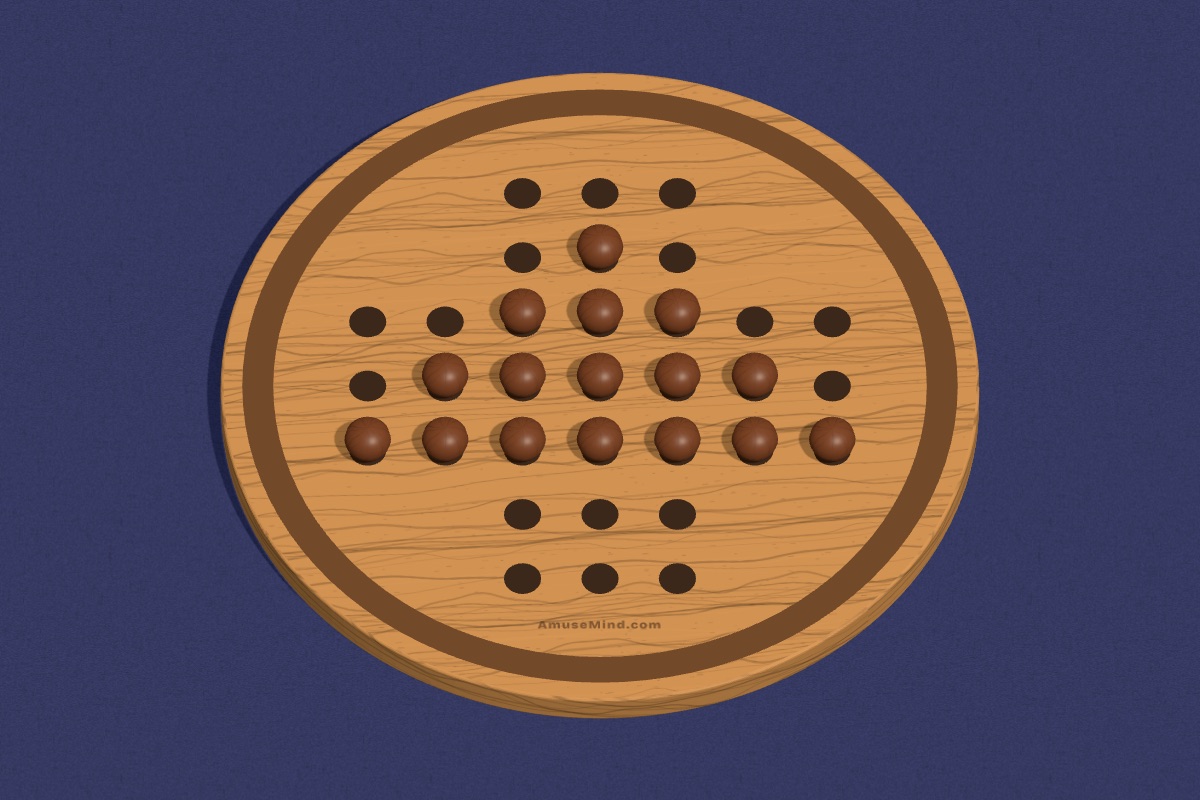
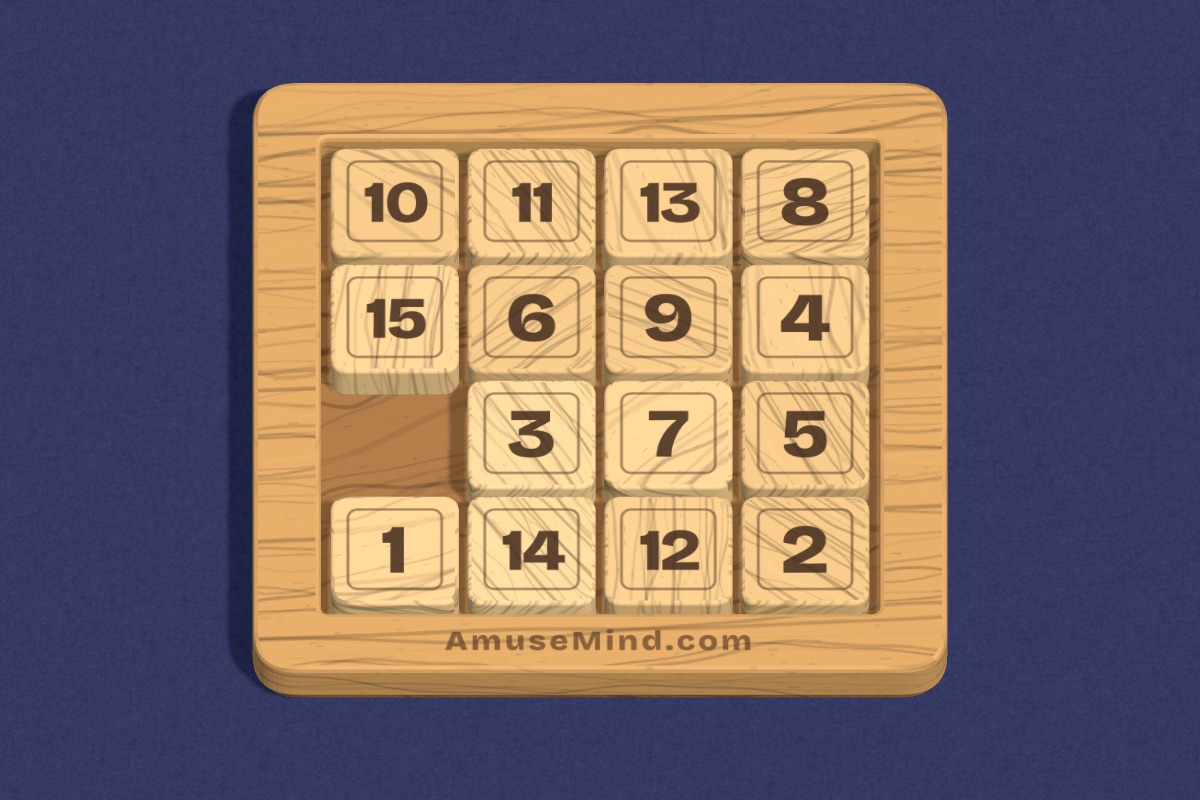
Puzzles on an interactive board make an easy shared break. Put a Tower of Hanoi on screen and let students vote on each move. Try a Peg Solitaire jump-by-jump, or a 3 by 3 Number Slide where volunteers call out the next tile. Disagreements about the best move are where the thinking happens.
Because AmuseMind runs in the browser with no sign-in, you can open a puzzle in seconds.
Indoor recess stations
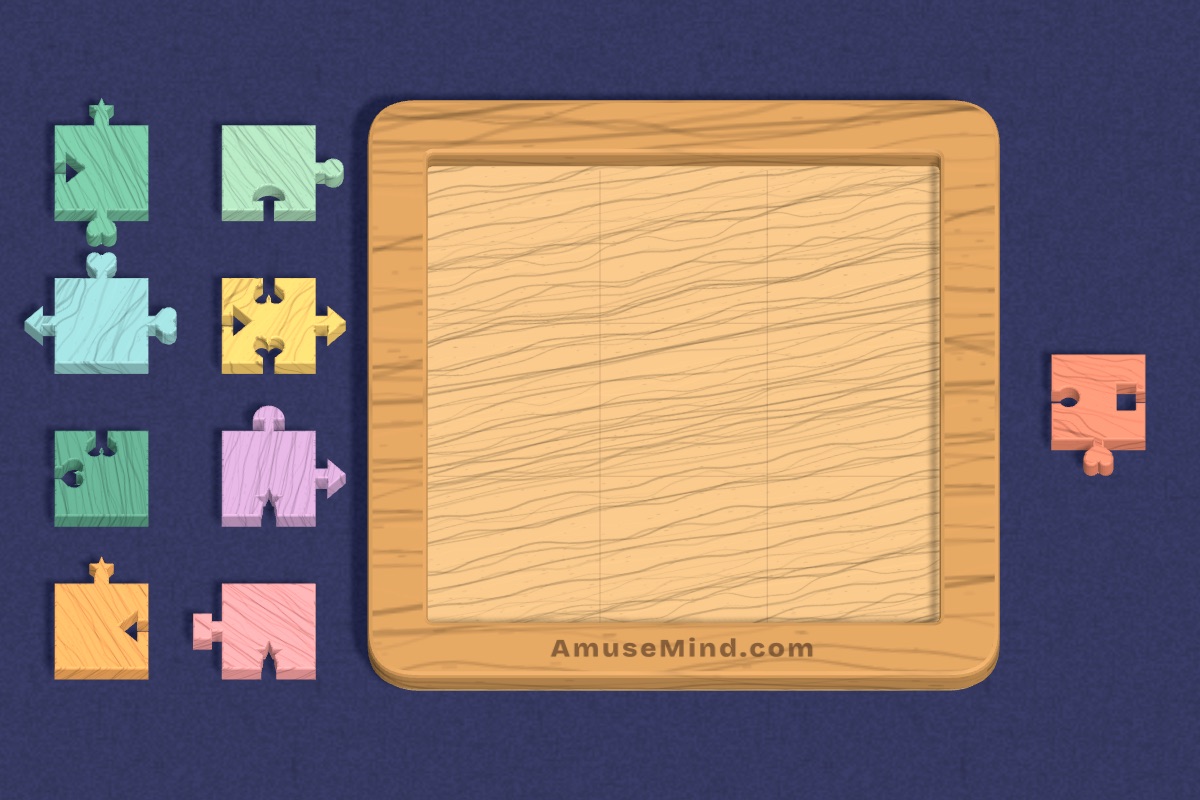
Indoor recess runs better with a few stations students can rotate through: building blocks, drawing, a board-game corner, and a puzzle station on classroom devices. At the puzzle station, a menu card with three puzzles and a suggested level helps students get started without asking you.
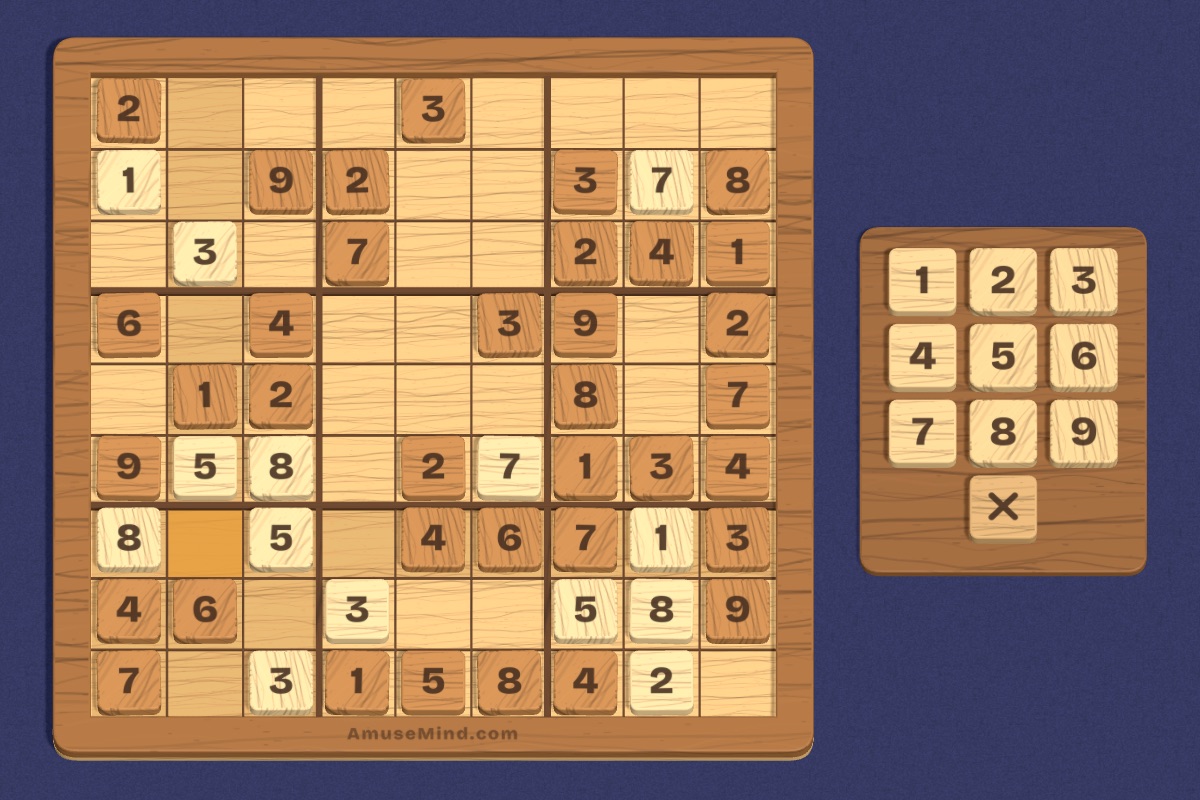
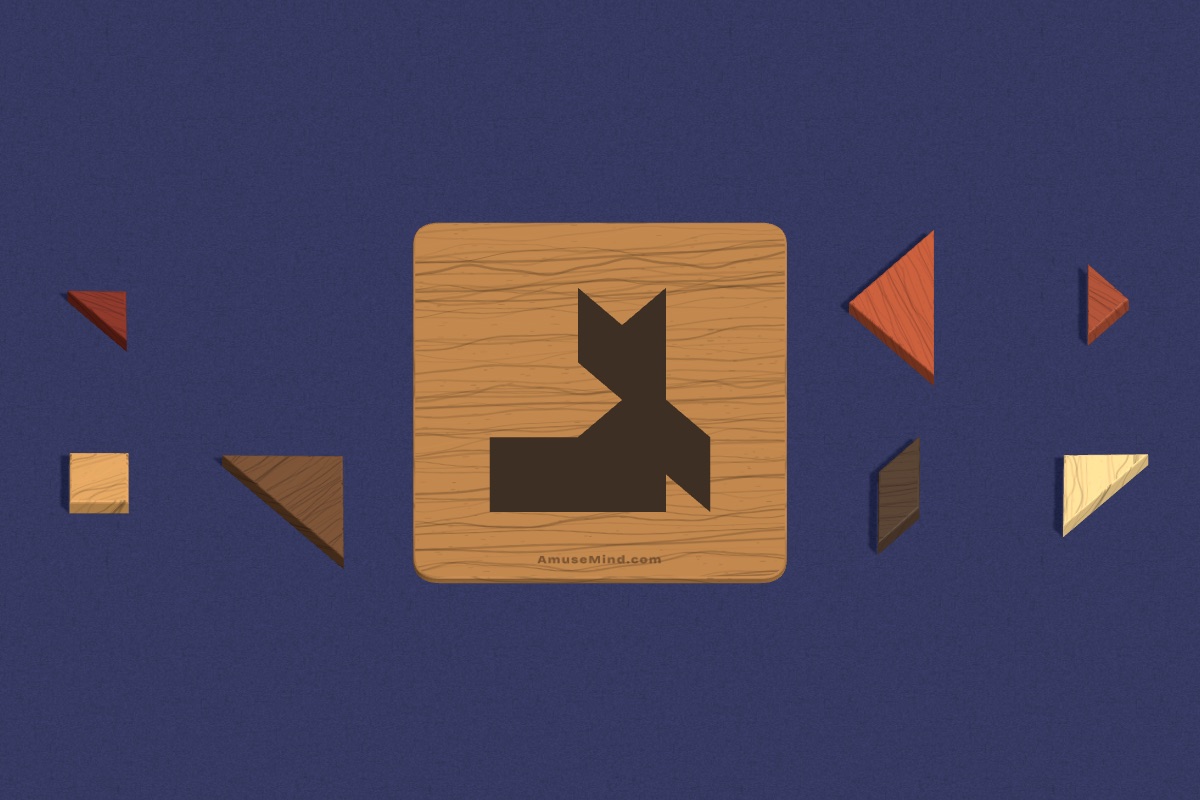
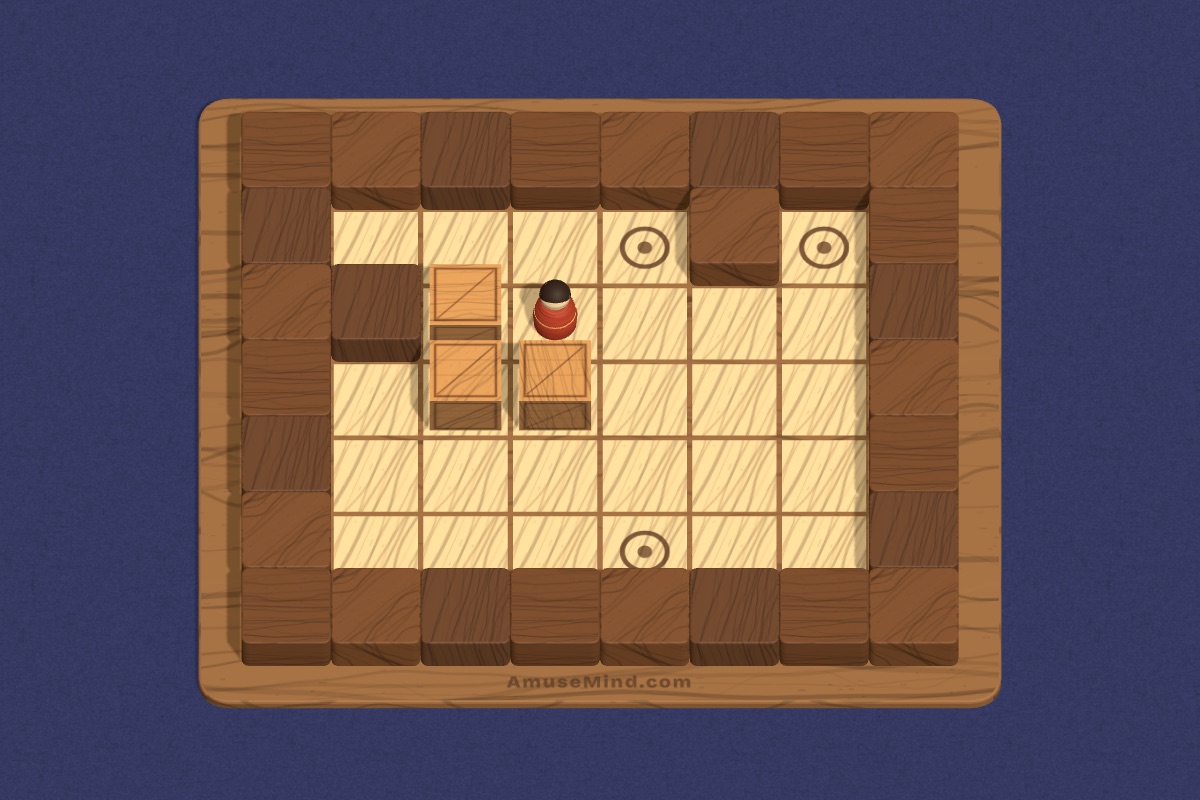
Good independent picks are short and self-checking: Sudoku, Tangram, Shape Match for younger students, and Sokoban or Bridges for older ones.
Calm-down options
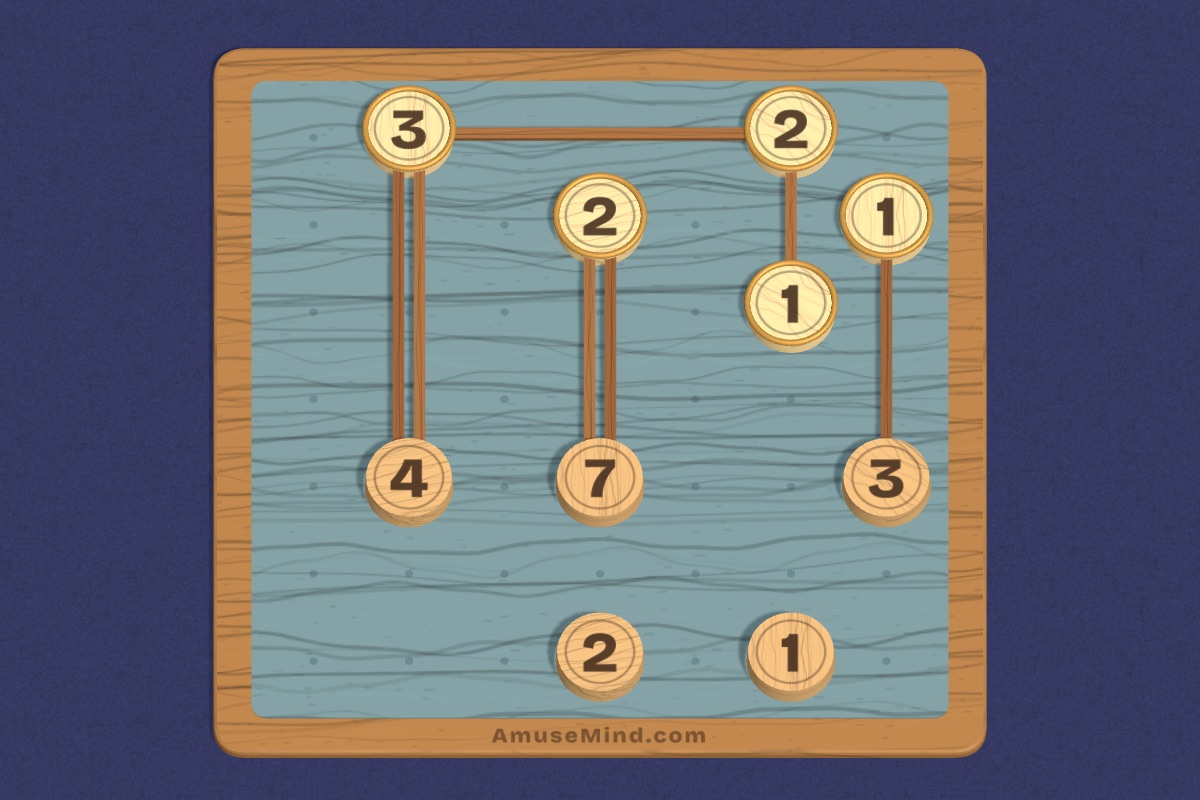
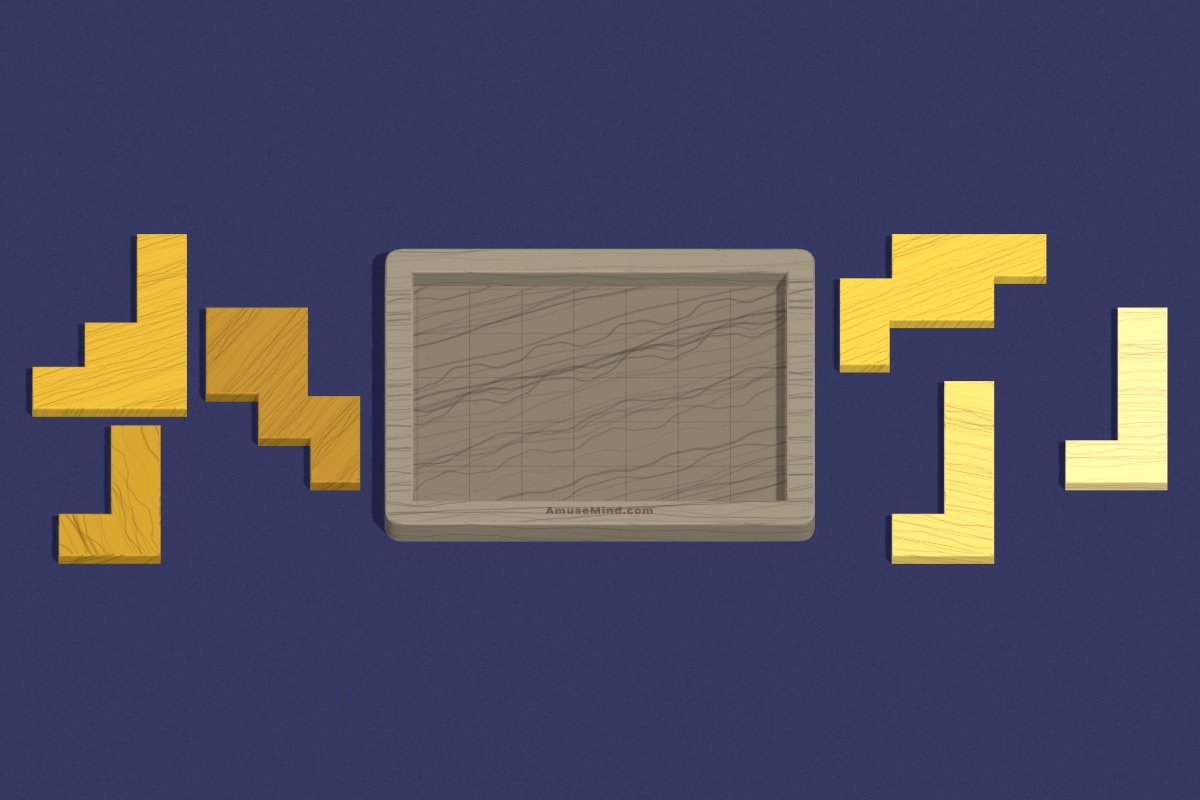
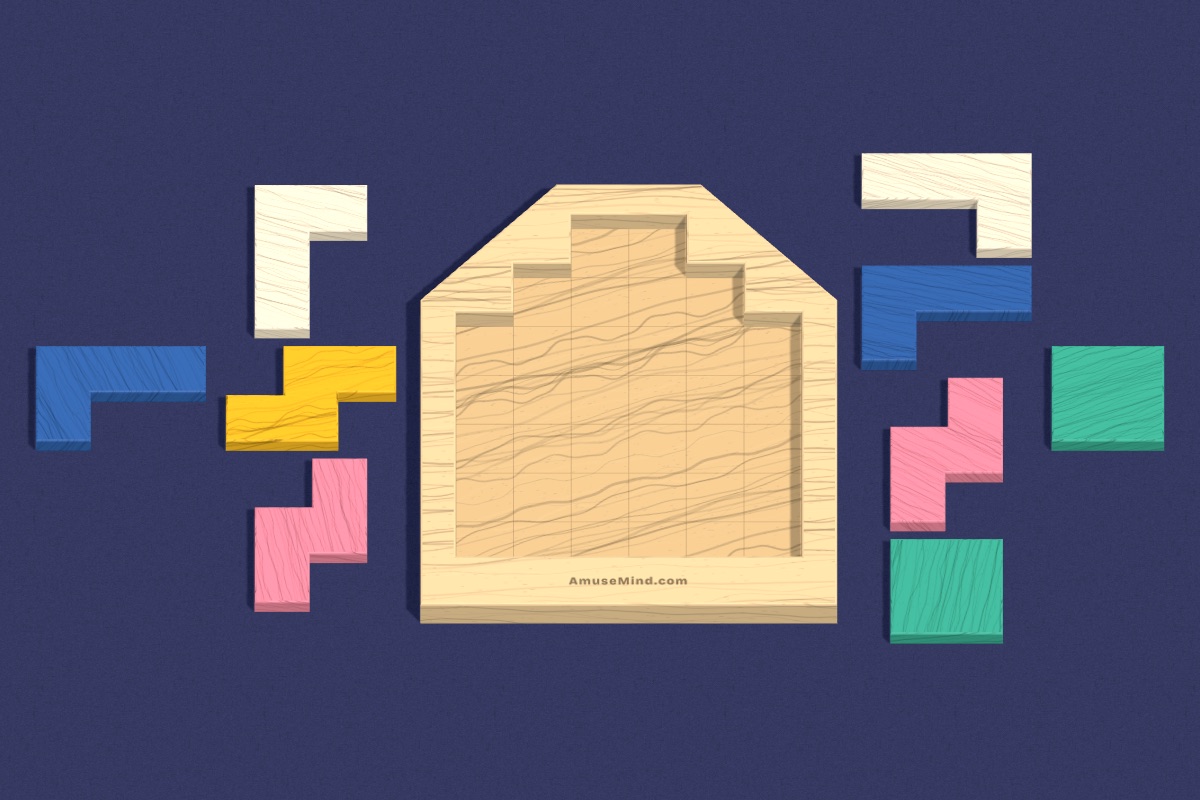
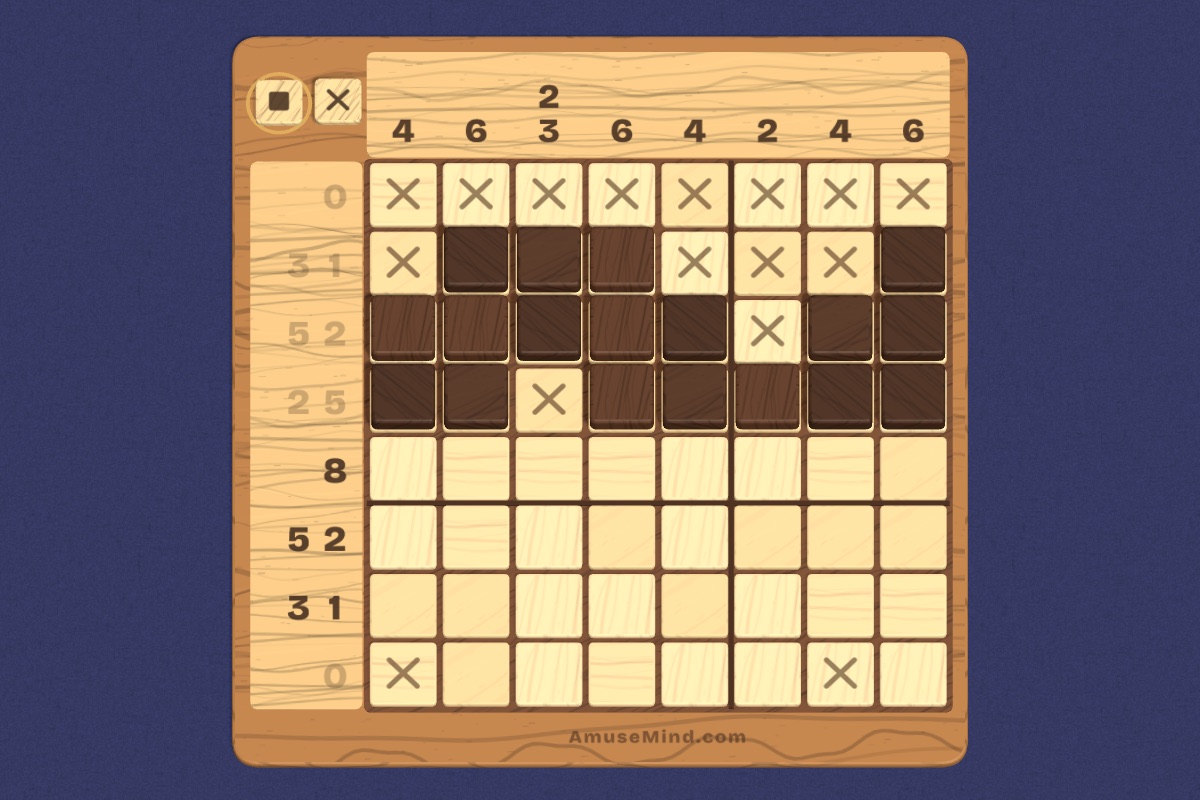
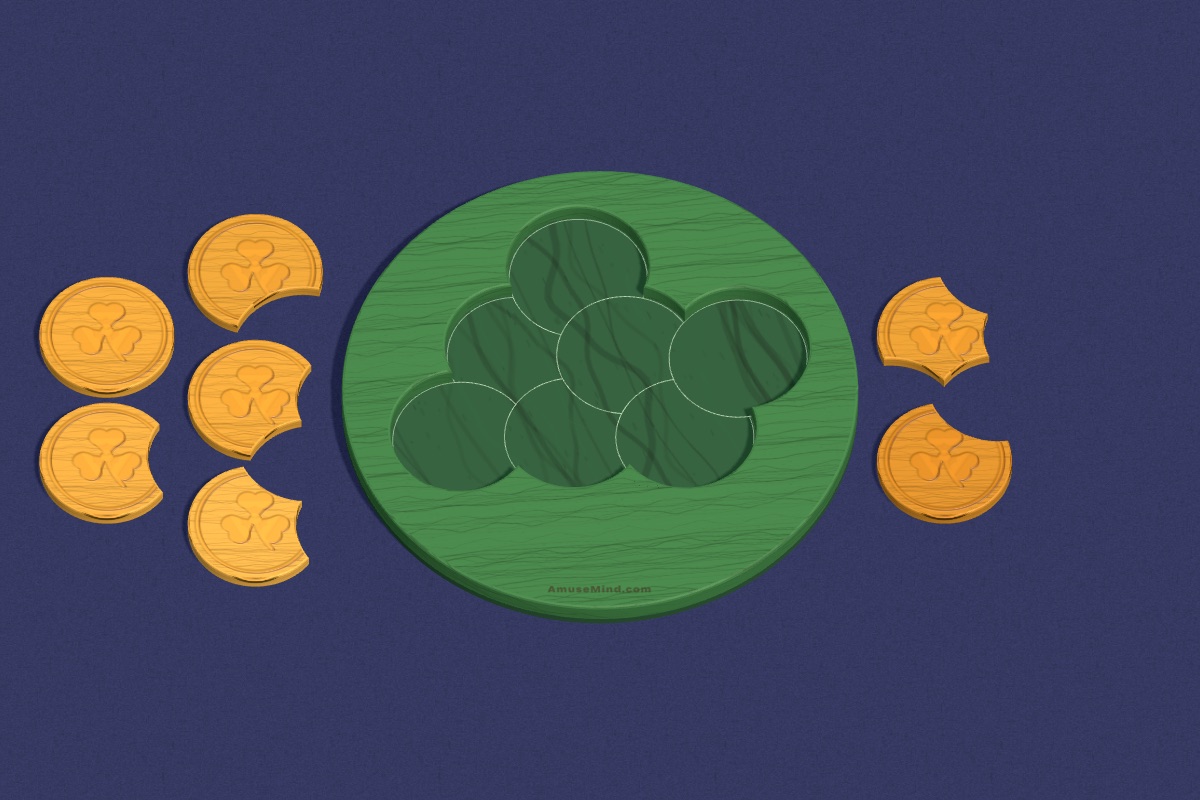
Some students need a quiet reset rather than more excitement. Tray puzzles and Block House are calm “fill it up” activities. Nonogram reveals a picture as you go, which many children find soothing. Lucky Coins, fitting bitten clover coins into a round tray, is a gentle spatial puzzle.
A calm-down corner with one device and a short menu of quiet puzzles can be a useful option for students who need a few minutes to settle, alongside your usual calming tools.
Keeping screen time purposeful
If you use devices during breaks, set a clear end. Puzzles with a natural finish help: “finish this puzzle, then devices away” works better than a vague time limit. Rotate screen and no-screen breaks across the week.
Making routines stick
The best brain breaks are the ones students already know how to do. Teach three or four routines at the start of the year, give each a name, and practice the transition back to work. Then you can say “puzzle break” or “pattern break” and students know exactly what happens next.
For indoor recess, post the stations and rules once and keep them the same all year. Rotate the puzzle menu monthly so it stays fresh. Let students suggest puzzles for the menu: they are more likely to stick with a station they helped choose.
It also helps to share the plan with families. A short note that the class uses free, ad-free puzzles during breaks answers questions before they come up, and some families like to play the same puzzles at home.
Questions teachers ask
Can puzzles work as a brain break for older students?
Yes. Middle schoolers often enjoy a quick whole-class challenge, such as voting on moves in a Tower of Hanoi or Peg Solitaire projected on the board. Keep it to a few minutes and stop on a cliffhanger they can return to tomorrow.
How long should a brain break be?
Usually a few minutes. The aim is to reset attention, not start a new activity, so short and predictable works best.
What are good indoor recess puzzles for the classroom?
A mix of stations: building, drawing, board games and a puzzle station with short, self-checking puzzles students can start on their own.
Can we use AmuseMind without student logins?
Yes. Every puzzle is free to try in the browser, with no student accounts and no ads.